
 EN
EN
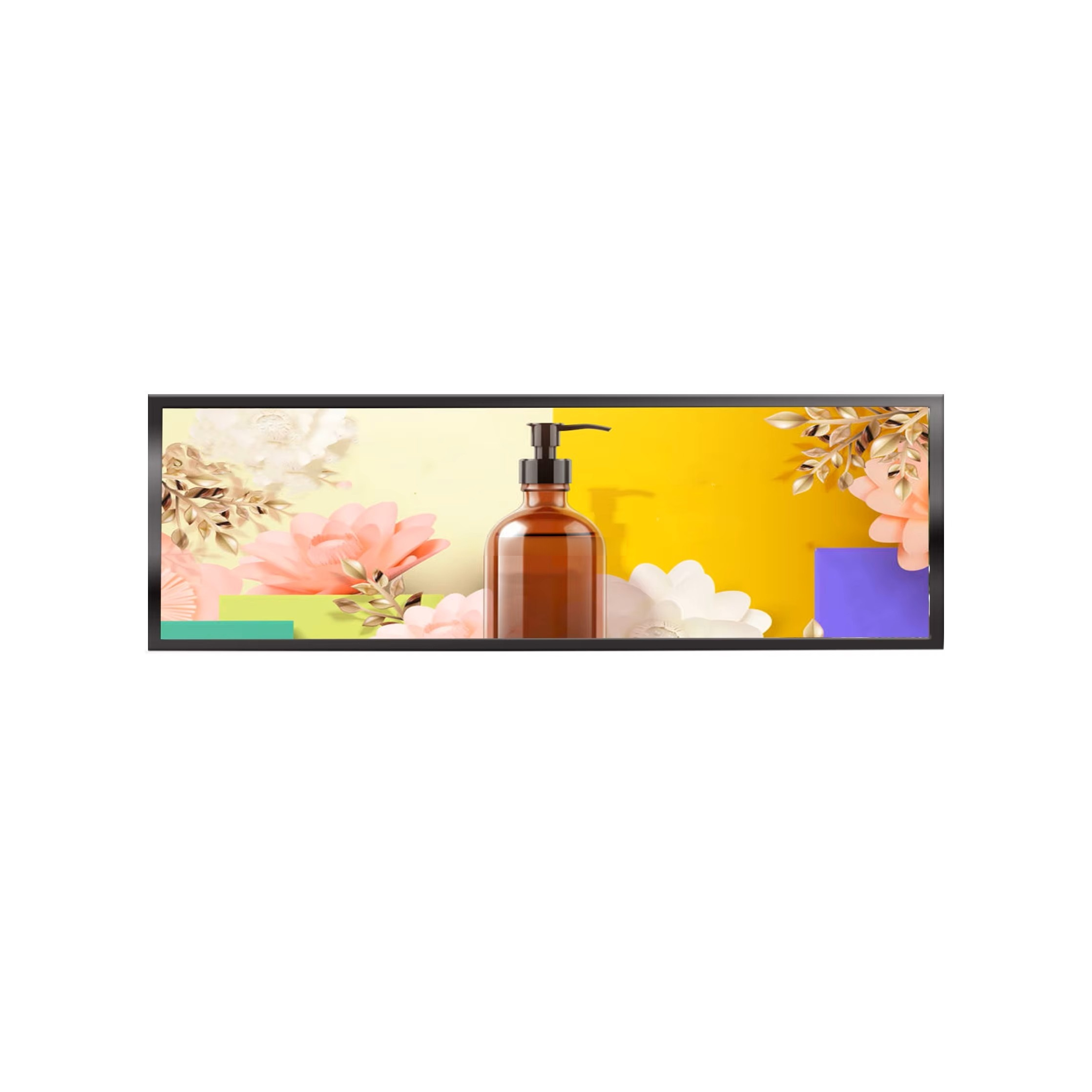
A stretched bar lcd system represents a significant investment for retail environments, transportation hubs, and commercial spaces. These ultra-wide, high-aspect-ratio displays deliver compelling visual content across extended horizontal viewing areas, but their performance depends critically on consistent, proactive maintenance. Without a structured long-term care strategy, stretched bar lcd displays degrade faster, suffer premature component failure, and deliver diminished image quality that undermines their marketing effectiveness.
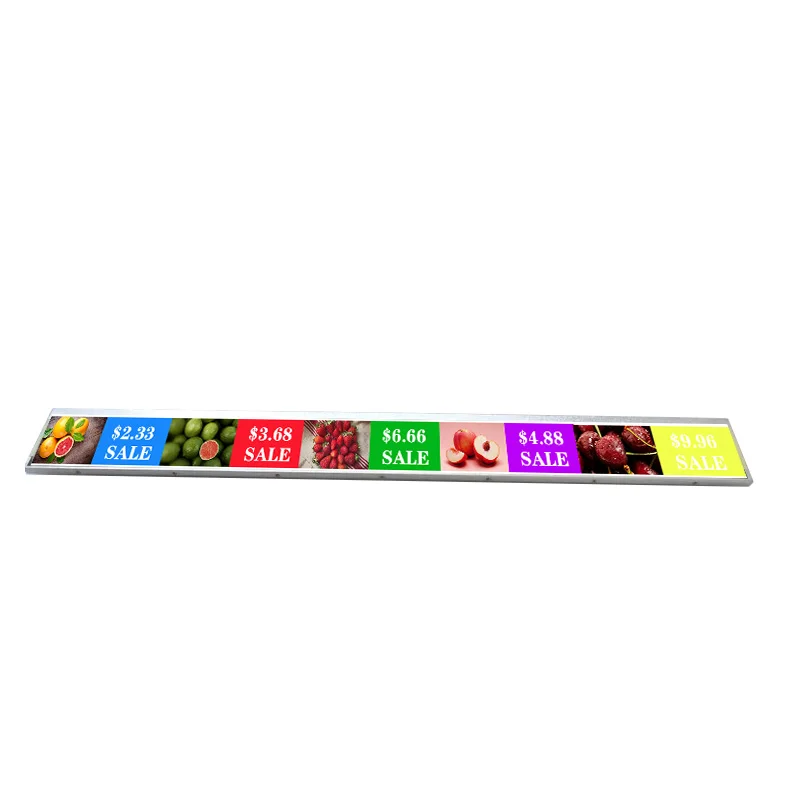
This guide explains the essential maintenance practices that keep stretched bar lcd systems operating reliably for years. Whether you manage a single display or a distributed network of stretched bar lcd units, understanding preventive care, environmental control, and component inspection will extend equipment lifespan, reduce costly downtime, and preserve the visual impact your content depends on.
Environmental Control and Operating Conditions
Temperature and Humidity Management for Stretched Bar LCD
Stretched bar lcd displays are sensitive to extreme temperature fluctuations and moisture exposure. Electronics within stretched bar lcd systems operate optimally between 0 and 40 degrees Celsius, though most manufacturers recommend a tighter range of 10 to 35 degrees Celsius for prolonged, trouble-free operation. Humidity should remain between 20 and 80 percent relative humidity, avoiding condensation that corrodes internal circuits and degrades backlight components.
Direct sunlight, outdoor installation sites, and proximity to heating or cooling vents all create environmental stress on stretched bar lcd equipment. Indoor retail locations with climate control provide the most stable operating environment for stretched bar lcd systems. If your stretched bar lcd installation is in an uncontrolled environment, invest in weatherproof enclosures or thermal management solutions that buffer temperature swings and prevent moisture ingress into stretched bar lcd housing.
Dust and Particle Protection
Dust accumulation degrades stretched bar lcd performance by blocking ventilation openings, raising internal operating temperatures, and eventually coating optical surfaces. Most stretched bar lcd units feature active cooling fans that draw ambient air across heat sinks; when dust clogs these intake areas, thermal efficiency plummets and stretched bar lcd components reach unsafe temperatures. Regular vacuuming of external vents and surrounding areas dramatically reduces the dust load reaching your stretched bar lcd system.
For high-dust environments such as retail floor displays near product shelving or construction site temporary signage, consider protective mesh covers that allow airflow while blocking larger debris from entering stretched bar lcd cooling channels. Quarterly cleaning of stretched bar lcd intake vents using low-pressure compressed air prevents silent thermal degradation that eventually triggers display shutdowns or image artifacts.
Cleaning, Inspection, and Display Surface Care
Safe Cleaning Protocols for Stretched Bar LCD Screens
The display surface of stretched bar lcd units requires careful handling to avoid scratches, streaking, or damage to protective coatings. Begin by powering off your stretched bar lcd system completely and allowing it to cool for at least 30 minutes before cleaning. Never spray cleaning solution directly onto stretched bar lcd screens; instead, dampen a microfiber cloth with distilled water or a manufacturer-approved display cleaner, then wipe gently in circular motions.
Abrasive materials, paper towels, or solvents like acetone will permanently damage stretched bar lcd surface treatments and anti-glare coatings. Weekly light wiping removes fingerprints and dust from the stretched bar lcd display face, while monthly deep cleaning addresses buildup in corner areas and along bezel edges. Pay special attention to any protective glass or acrylic layer fitted to your stretched bar lcd installation, as these accumulate dust and smudges that reduce light transmission and visual clarity.
Component Inspection and Connection Verification
Monthly visual inspections of your stretched bar lcd system catch emerging issues before they escalate into failures. Check all power cables, signal input connections, and mounting hardware for loose or corroded contacts. Vibration from nearby foot traffic or mechanical equipment can slowly loosen stretched bar lcd cable connectors, eventually causing intermittent display dropout or signal loss that frustrates users and appears as equipment malfunction.
Inspect the stretched bar lcd cabinet exterior for cracks, dents, or signs of water damage. Look inside ventilation openings with a flashlight to spot dust accumulation on fan blades or heatsinks. Listen for unusual fan noise, grinding sounds, or audible thermal stress that suggests your stretched bar lcd cooling system is struggling. These early warning signs give you time to schedule preventive maintenance before a stretched bar lcd display fails during peak operational hours.
Firmware Updates and Operating System Maintenance
Software Stability and Compatibility Updates
Modern stretched bar lcd systems run embedded operating systems and display control software that require periodic updates to maintain stability, security, and feature performance. Manufacturers release firmware patches for stretched bar lcd units to fix bugs, improve thermal management algorithms, optimize power efficiency, and address security vulnerabilities that could compromise your stretched bar lcd network if left unpatched.
Establish a quarterly review schedule to check whether new firmware versions are available for your stretched bar lcd model. Before deploying stretched bar lcd updates across your entire display fleet, test updates on a single stretched bar lcd unit in a non-critical location to confirm compatibility with your content management system and signal source. Apply stretched bar lcd firmware updates during low-traffic periods to minimize disruption if the stretched bar lcd system requires rebooting.
Calibration and Color Accuracy Over Time
Stretched bar lcd display color accuracy and brightness degrade gradually as backlight components age and phosphors fade. Annual color calibration keeps your stretched bar lcd system delivering consistent, branded visual output across multiple displays or over extended deployment periods. Many stretched bar lcd units include factory calibration data and adjustment menus accessible through on-screen controls or management software.
If your stretched bar lcd content requires precise color matching—such as in retail product displays, gallery installations, or broadcast applications—engage a professional calibration service annually. They use spectrophotometers and test patterns to measure stretched bar lcd color deviation and apply compensation curves that restore accuracy. This investment becomes critical if you operate multiple stretched bar lcd installations where color consistency across the display fleet reinforces brand identity and content impact.
Preventive Replacement and Component Planning
Backlight and LED Lifespan Expectations
The backlight is often the first component to degrade in stretched bar lcd systems, typically lasting 30,000 to 60,000 operational hours depending on brightness settings and thermal management. Reducing the brightness of your stretched bar lcd display by 10 to 20 percent below maximum specification extends backlight lifespan significantly while often remaining visually imperceptible in most viewing environments. Many stretched bar lcd systems allow automatic or scheduled brightness adjustments via control software, enabling you to balance visual impact with component longevity.
Track the operational hours of each stretched bar lcd unit in your fleet and budget for backlight replacement before catastrophic failure occurs. Proactive backlight replacement on your stretched bar lcd display costs far less than emergency service calls or display downtime that disrupts customer experience or advertising revenue. Maintain spare backlight modules in inventory so extended downtime on any stretched bar lcd system remains brief.
Thermal Management and Fan Maintenance
Cooling fans in stretched bar lcd cabinets typically operate continuously during display hours, making them wear items that eventually require replacement. Monthly lubrication of fan bearings on stretched bar lcd units running 24/7 reduces friction, extends fan lifespan, and minimizes bearing failure noise. Some stretched bar lcd systems feature sealed fan units that require complete replacement rather than maintenance; identify which type your stretched bar lcd unit contains during initial installation and budget accordingly.
Establish a fan replacement schedule for your stretched bar lcd fleet based on operational hours and failure history. A stretched bar lcd display running continuously in a retail environment should have fans inspected quarterly and replaced annually or every 8,000 operating hours, whichever comes first. This preventive approach to stretched bar lcd fan maintenance eliminates the thermal runaway scenarios where a single failed fan causes a cascading failure of adjacent stretched bar lcd components.
FAQ
How often should stretched bar lcd displays be professionally serviced?
Most stretched bar lcd installations benefit from professional service visits every 12 months. During a service call, technicians inspect all stretched bar lcd components, clean internal cooling systems, verify backlight function, test color accuracy, update stretched bar lcd firmware, and perform calibration. For stretched bar lcd systems operating in harsh environments or running 24/7, semi-annual service visits catch degradation earlier and prevent unexpected stretched bar lcd failures.
Can I repair a stretched bar lcd display myself, or should I hire professionals?
Basic stretched bar lcd maintenance such as external cleaning, dust removal, and cable connection checks are safe for in-house teams to perform. However, internal component replacement, backlight service, thermal paste application, and circuit board repairs on stretched bar lcd units require technical expertise and specialized tools. Opening a stretched bar lcd cabinet without proper training risks damaging delicate components, voiding warranty coverage, or creating electrical safety hazards. Contract with qualified stretched bar lcd service providers for anything beyond visual inspection and external cleaning.
What warning signs indicate a stretched bar lcd system needs immediate maintenance?
Seek immediate service if your stretched bar lcd display exhibits flickering, color banding, dead pixels, thermal shutdown events, or unusual fan noise. These stretched bar lcd symptoms suggest backlight degradation, thermal stress, or internal component failure that will worsen rapidly without intervention. Visible image artifacts on a stretched bar lcd screen that persist across multiple content updates indicate hardware problems rather than software glitches, confirming the need for professional stretched bar lcd service and component replacement.