 EN
EN

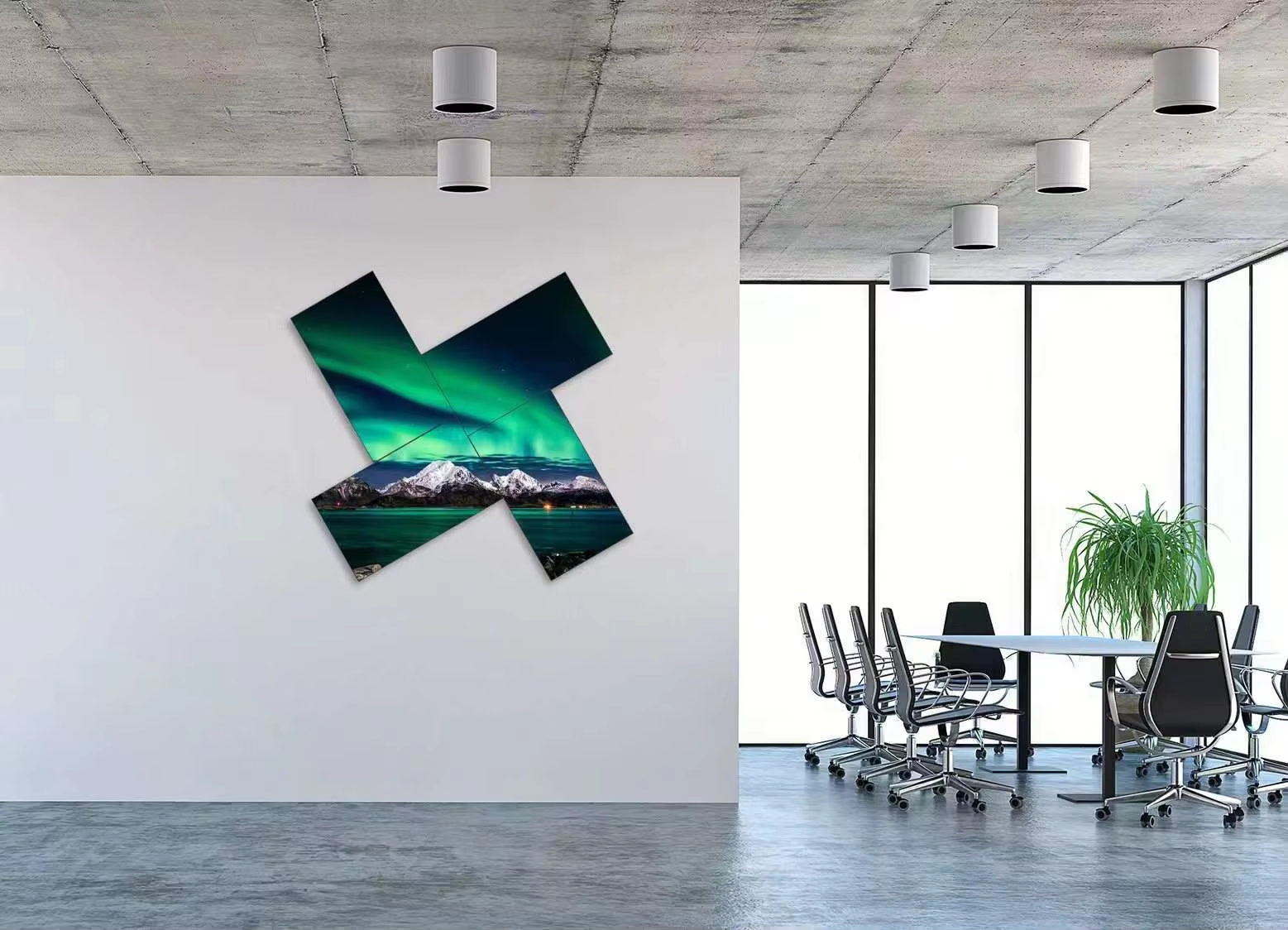
Selecting the right square LCD display for your specific application requires careful evaluation of multiple technical and operational factors. A square LCD display differs fundamentally from standard widescreen monitors in its aspect ratio and footprint, making direct compatibility assessment essential before deployment. Understanding how to align a square LCD display with your system requirements ensures optimal performance, prevents costly integration delays, and maximizes the return on your investment in display technology.
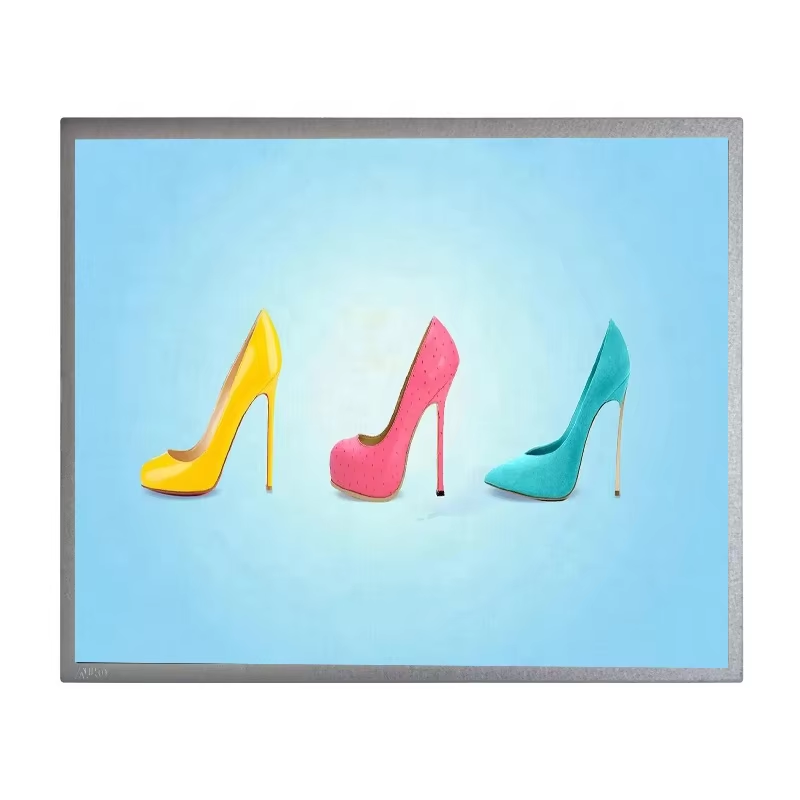
The process of matching a square LCD display with your system involves multiple dimensions beyond simple plug-and-play installation. Your hardware infrastructure, software capabilities, interface standards, power specifications, and environmental constraints all play critical roles in determining whether a particular square LCD display will function effectively within your operational context. This comprehensive alignment process protects your deployment timeline and ensures the square LCD display delivers the performance and reliability your business depends on.
Understanding Square LCD Display Specifications and System Compatibility
Resolution and Aspect Ratio Alignment
A square LCD display typically features a 1:1 aspect ratio, meaning the width and height are equal, unlike conventional 16:9 widescreen displays. This unique proportion requires your system software and graphics processing capabilities to support square output natively or through scaling algorithms. Before integrating a square LCD display into your infrastructure, verify that your operating system, video card drivers, and application software can handle square resolution outputs without degradation or distortion. Many legacy systems were designed exclusively for rectangular screen formats, so a square LCD display may require firmware updates or configuration adjustments to function properly.
Interface and Connectivity Requirements
The physical connection between your system and a square LCD display depends on available interface standards such as HDMI, DisplayPort, DVI, or VGA. When evaluating whether a square LCD display matches your system, confirm that your computer or control hardware includes the appropriate output ports in working condition. Some industrial or specialized systems use proprietary connectors, meaning a standard square LCD display may require additional adapters or converters. Testing the connection before full deployment reveals potential signal quality issues, refresh rate mismatches, or power delivery problems that could compromise the square LCD display performance once placed in operation.
Power Supply and Environmental Conditions for Square LCD Display Integration
Electrical Requirements and Power Management
Each square LCD display model specifies exact power consumption ratings, voltage requirements, and thermal dissipation characteristics. Your system infrastructure must provide adequate electrical capacity to support the square LCD display without overloading existing circuits or power supplies. Industrial facilities, retail environments, and control rooms often operate multiple displays simultaneously, making cumulative power planning essential when adding a square LCD display. Insufficient power delivery causes voltage fluctuations, display flicker, reduced brightness, or complete failure of the square LCD display. Engineering your power delivery to match the square LCD display specifications prevents operational disruptions and extends display lifespan significantly.
Temperature and Environmental Factors
Operating temperature ranges, humidity tolerance, and ambient light conditions directly affect square LCD display functionality and longevity. Industrial environments with extreme temperature swings, high humidity, or corrosive atmospheres demand careful evaluation of whether a standard square LCD display can survive those conditions or if ruggedized variants are necessary. Your system requirements documentation should specify environmental constraints that the square LCD display must withstand. A square LCD display rated for office environments may fail rapidly if deployed in outdoor, manufacturing, or harsh operational settings without protective enclosures or specialized engineering.
Software Integration and Performance Optimization for Square LCD Display Deployment
Driver Support and Operating System Compatibility
Modern systems depend on display drivers to communicate resolution, refresh rate, and color depth settings between hardware and operating systems. When integrating a square LCD display, verify that your system's operating system version supports the specific display resolution and that current drivers exist for your graphics hardware. Older systems or embedded platforms may lack driver support for square LCD display configurations, requiring workarounds or third-party software solutions. Testing driver installation and display detection before permanent deployment prevents situations where a square LCD display appears to malfunction due to software compatibility gaps rather than hardware failure.
Performance Metrics and System Load
A square LCD display demands specific bandwidth and processing resources from your system, particularly for high-resolution or high-refresh-rate operations. Your system must generate sufficient graphical output to fill the square LCD display pixel array without degrading performance in primary applications or operations. Graphics-intensive applications like design software, video playback, or real-time monitoring may consume significant CPU and GPU resources, leaving inadequate capacity for the square LCD display to achieve smooth operation. Profiling system load under typical operational scenarios reveals whether your current hardware provides sufficient performance headroom to support the square LCD display without bottlenecks.
Practical Integration Strategies for Square LCD Display Success
Testing Protocols and Validation Before Deployment
Establishing a structured testing approach ensures a square LCD display performs reliably once integrated into production. Begin by testing the square LCD display connection using multiple cables and ports to verify consistent signal integrity and data transmission. Run extended operational tests at various brightness levels and color configurations to identify any flickering, dead pixels, or signal degradation issues with the square LCD display. Validate that the square LCD display integrates properly with your control software, responds to input commands, and maintains stable performance over multi-hour operational periods before relying on it for mission-critical applications.
Documentation and Configuration Management
Maintaining detailed documentation of your square LCD display specifications, configuration settings, and integration procedures protects your long-term operational continuity. Record the exact driver versions, firmware updates, and system settings required to achieve optimal square LCD display performance in your particular environment. This documentation becomes invaluable when troubleshooting future issues or replacing a failed square LCD display with a replacement unit that must match the original configuration. Configuration management systems help track every aspect of your square LCD display integration, ensuring consistent performance across multiple units if you deploy square LCD display technology across multiple locations or systems.
FAQ
What resolution should I choose for matching a square LCD display with my system requirements?
Resolution selection depends on your specific application needs and system capabilities. Common square LCD display resolutions include 1:1 pixel ratios like 1920x1920 or 2560x2560 pixels. Your system must generate output that matches the native square LCD display resolution to avoid scaling artifacts or performance degradation. Start by reviewing your application software requirements and graphics hardware capabilities to determine the maximum square LCD display resolution your system can support while maintaining smooth, responsive performance.
Can I use any HDMI cable to connect a square LCD display to my system?
While most HDMI cables are compatible with square LCD display inputs, cable quality significantly affects signal integrity, particularly for high-resolution displays. Certified high-speed HDMI cables ensure your square LCD display receives stable signals without data loss or image degradation, especially over longer cable runs. If your square LCD display connection exhibits flickering, color issues, or intermittent signal loss, upgrading to a premium HDMI cable often resolves the problem. Always verify that your system's HDMI output supports the square LCD display resolution and refresh rate specifications before concluding that a problem exists with the display itself.
How do I troubleshoot when a square LCD display does not display correctly after connecting to my system?
Begin troubleshooting by verifying the physical connection between your system and the square LCD display, ensuring cables are fully seated and undamaged. Update or reinstall display drivers specific to your graphics hardware and operating system to resolve software compatibility issues with the square LCD display. Check system display settings to confirm the square LCD display is detected and that resolution, refresh rate, and color depth match the display's native specifications. If basic troubleshooting does not resolve the square LCD display issue, consult manufacturer documentation or contact technical support with details about your specific system configuration and error symptoms.
Table of Contents
- Understanding Square LCD Display Specifications and System Compatibility
- Power Supply and Environmental Conditions for Square LCD Display Integration
- Software Integration and Performance Optimization for Square LCD Display Deployment
- Practical Integration Strategies for Square LCD Display Success
- FAQ