 EN

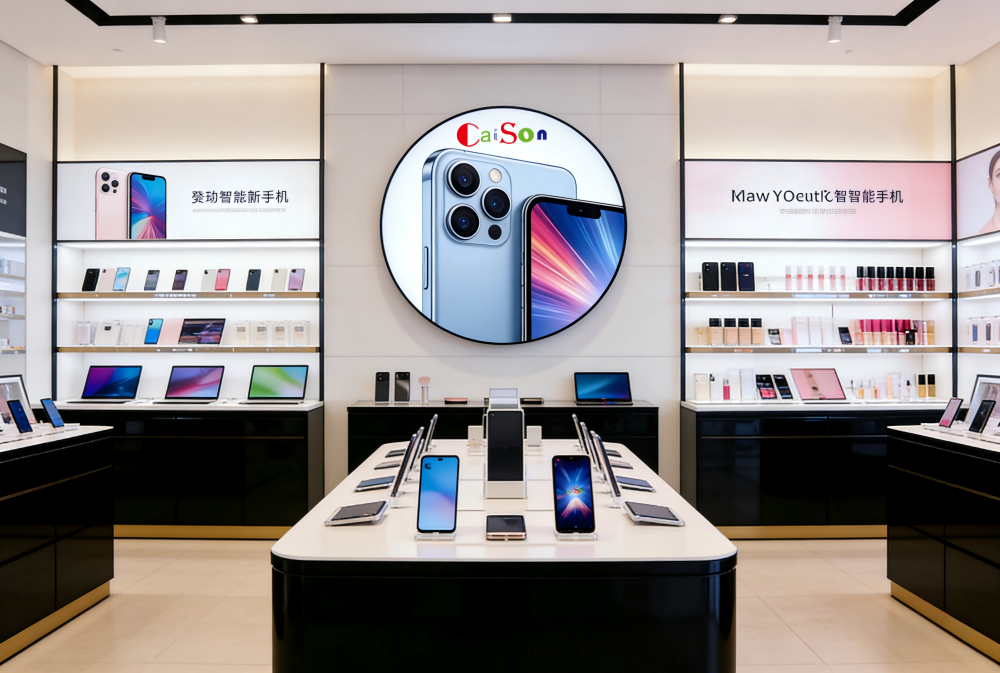
Retail settings rely on a window lcd display when a message needs to reach shoppers at a particular point in their journey. The format can support storefront promotion, product discovery, price communication, and service guidance, but each use depends on viewing distance, available space, ambient light, and how often the content changes. Understanding the application helps retailers choose a practical location and purpose.
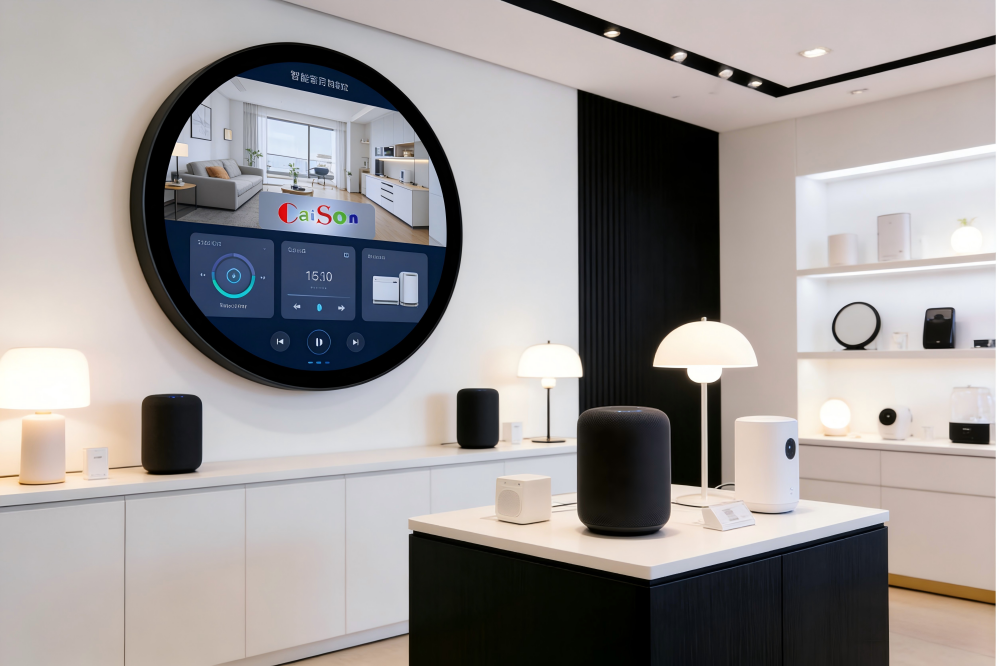
A window lcd display is not limited to a glass storefront. In retail, it can also describe a narrow or compact screen integrated into shelving, counters, service areas, or other fixtures where conventional signage may not fit. The applications below explain where this display type adds useful communication, what each placement must accomplish, and which operational details deserve attention before deployment.
Storefront communication for passing shoppers
Promotions visible through the shop window
A window lcd display can present current offers, seasonal messages, opening information, or event announcements to people outside the store. Its role is to make one clear reason to enter visible without requiring staff to update printed materials. For this application, content should be concise and legible at the distance from which pedestrians or drivers can safely view the storefront.
The storefront setting also shapes screen placement and content timing. A window lcd display should not obstruct merchandise sightlines, emergency information, or the natural flow at the entrance. Retail teams can schedule creative around trading hours and campaign dates, while checking that text contrast remains clear against changing daylight and reflections. The screen works best as a focused message, not a crowded substitute for the entire shop window.
Brand and product storytelling at the entrance
Retailers can use a window lcd display to introduce a collection, explain a service, or show product details that are difficult to communicate with a static poster. Short motion sequences may draw attention, but the central message should remain understandable when a passerby sees only a few seconds. This makes the format suitable for brief storytelling rather than long-form video that depends on sustained viewing.
A window lcd display can also support stores with frequent assortments or changing local events. Content owners should keep product names, prices, and campaign dates aligned with what shoppers will find inside. When the screen sits near the entrance, clear calls to action can direct attention toward a display or department, while uncluttered layouts preserve the physical merchandise as part of the experience.
In-store product discovery and shelf messaging
Digital shelf labels and category information
On a shelf, a window lcd display can show product names, key attributes, usage notes, or category messages beside the items being considered. A narrow screen is useful where fixture space is limited or where a retailer wants digital content integrated with the shelf edge. The application is strongest when information answers a real purchase question instead of repeating details already obvious from packaging.
For a window lcd display used near products, viewing angle, mounting stability, and the relationship between screen and merchandise matter. Shoppers need to connect the message to the correct item without confusion, especially when adjacent products look similar. Retail teams should review the layout from a customer’s standing position and confirm that restocking, cleaning, and price changes remain possible without disrupting the installation.
Cross-selling and timely product education
A window lcd display can explain complementary products, demonstrate a feature, or highlight an accessory near the relevant category. For example, a home goods section may use a compact screen to clarify care instructions or show how an item fits into a room. That context helps customers evaluate options at the shelf, while keeping the message tied to products actually available at that location.
The content plan for a window lcd display should reflect the store’s merchandising calendar and inventory process. If a promoted item sells out, outdated messaging can frustrate shoppers and staff, so teams need a clear owner for updates. Screens may be assigned to a category, rather than a single item, when stock changes often. This approach keeps education useful without requiring constant creative replacement.
Service guidance and operational messaging
Queue, checkout, and service-area information
A window lcd display can help communicate queue directions, payment options, service steps, or pickup instructions in busy retail areas. Placed near a counter or collection point, it can answer common questions before a customer reaches an employee. Messages should be direct and easy to scan, since shoppers in a queue may have limited time and may be watching for their turn.
In these locations, a window lcd display should complement staff communication rather than replace it. The screen can clarify routine procedures, but exceptions still need a human response. Retailers should check that placement is visible to customers with different heights and mobility needs, and that it does not compete with transaction prompts or essential notices. Simple layouts are particularly valuable in high-traffic service zones.
Choosing an application that can be maintained
Before installing a window lcd display, define the audience, message, viewing distance, and update owner for each location. Storefront screens serve people deciding whether to enter; shelf screens support product consideration; service-area screens reduce uncertainty about what happens next. Matching the format to that specific task makes content easier to plan and gives teams a useful basis for evaluating whether the placement is working.
Hardware and site conditions should be assessed together. A window lcd display near sunlight may face glare, while a shelf-mounted unit may need careful cable routing and protection from routine handling. Retailers should confirm power access, mounting clearances, cleaning procedures, and content compatibility with existing workflows. A product such as this window lcd display may suit a narrow shelf communication role when its dimensions and installation requirements fit the fixture.
FAQ
Where does a window lcd display work best in a retail store?
A window lcd display works best where shoppers need a clear message at a defined point, such as a storefront, product shelf, checkout queue, or pickup area. Choose the location according to viewing distance, available space, lighting, and the customer question the screen is meant to answer.
Can a window lcd display be used beyond a storefront window?
Yes. A window lcd display can be integrated into retail shelving, counters, or service fixtures when the screen dimensions and mounting approach suit the environment. In-store use should connect content closely to a product, transaction, or service step so that shoppers understand why the information appears there.
What should retailers plan before installing one?
Retailers should define the display’s purpose, position, message owner, update process, power access, and maintenance needs. For a window lcd display, they should also check visibility under site lighting and make sure the screen does not block merchandise, accessible routes, or essential store information.