 EN

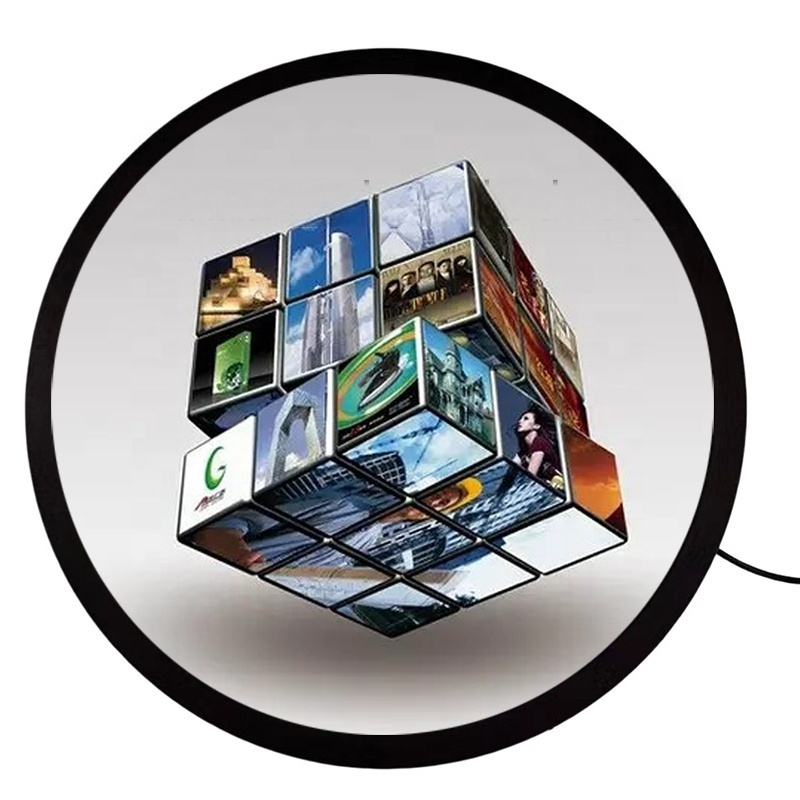
A circular display can create a distinctive focal point in retail, transport, hospitality, and industrial environments, but its shape alone does not determine whether content will be clear or dependable. Pixel geometry, viewing conditions, electronics, heat, and mounting all influence circular display performance, so these constraints should be assessed before a design is finalized.

The practical question is not simply whether a panel is round, but whether its visible area, image pipeline, brightness, and physical installation suit the intended task. Understanding how each constraint shapes a circular display helps project teams set realistic content rules, choose compatible components, and avoid late changes to the enclosure or software.
Pixel Geometry and Content Boundaries
Resolution across a nonrectangular active area
A circular display is usually driven by a rectangular pixel matrix, while the visible panel area is bounded by a circle. Pixels near the corners may be hidden by the mask or unused in the final image, meaning the nominal resolution does not describe the full usable canvas. Designers should confirm the active area and visible pixel region before preparing assets.
For a circular display, the usable width changes by position: the center supports the broadest content, while the upper, lower, and side edges narrow toward the perimeter. Fine labels, legal notices, and small interface controls placed near that boundary may be clipped or feel crowded. A safe zone inside the visible edge makes layout behavior more predictable.
A circular display also needs a defined mapping between the rectangular signal and the round output. Depending on the controller, corner pixels may be rendered as black, cropped, or covered by a physical bezel. That decision affects artwork dimensions and scaling. The team should test the actual signal path, rather than relying only on a design mockup or a panel’s headline pixel count.
Typography, graphics, and motion design
A circular display rewards centered composition, but not every message belongs in a radial layout. Short headlines, logos, and simple symbols can fit naturally, whereas long lines of text may curve awkwardly or require smaller type. Keeping essential information away from the perimeter protects legibility when the viewing distance or mounting angle varies.
A circular display used for animation introduces another constraint: movement can draw attention to the edge where the image narrows or disappears. Motion designers should review transitions, rotations, and scrolling text on the intended resolution and mask. Reusable templates should define margins, type sizes, and crop behavior so updates remain consistent across campaigns or operating shifts.
Optical Conditions and Readability
Brightness, contrast, and reflections
A circular display must be judged in its real lighting environment. Bright retail windows, overhead fixtures, and reflective covers can wash out dark details or create glare, even when the panel appears clear indoors. Assessing brightness and contrast at the installation location helps determine whether content needs stronger tonal separation or whether the enclosure requires a different viewing angle.
For a circular display, brightness is only one part of readability. High output cannot compensate for poor contrast, reflective glass, or small text viewed from several metres away. Teams should compare representative content under expected ambient conditions and at realistic distances. The test should include both bright scenes and darker transitions, which can reveal reflections that a static bright image conceals.
A circular display mounted behind protective glass may have additional optical layers that influence reflections, color, and perceived sharpness. Each layer and air gap can change the final appearance, so evaluations should use the proposed cover material and spacing. Where touch or frequent cleaning is involved, surface treatments and service methods also need consideration without assuming they remove every source of glare.
Viewing angle and audience position
A circular display may attract viewers approaching from different directions, but the panel’s viewing characteristics and installation position still shape what they can see. A screen mounted too high, recessed too deeply, or tilted away from a main traffic path can make content difficult to read. Mapping likely audience positions helps establish a practical mounting height and orientation.
A circular display in a corridor may be viewed briefly while people are moving, while a counter display may be seen at close range for longer. Those scenarios call for different text sizes, contrast, and content duration. Mockups should be checked from the actual approach paths, including off-axis positions, because a front-facing desktop preview cannot represent the installed experience.
Electronics, Heat, and Installation Limits
Signal processing and operating temperature
A circular display depends on more than its panel: the controller, video source, cabling, and software must deliver a compatible image consistently. Confirm supported resolution, refresh behavior, orientation, and any masking or scaling functions. A mismatch can cause distortion, unused borders, or intermittent output, turning a seemingly simple content issue into a system integration problem.
A circular display enclosure can also restrict airflow around the panel and controller. Heat from the display, processor, nearby lighting, or a sealed cabinet may raise internal temperature during extended operation. Thermal planning should consider ambient conditions, ventilation paths, component spacing, and expected duty cycle. Operating limits should be checked against the specifications of the selected components.
A circular display exposed to continuous operation needs a clear maintenance and monitoring plan. Dust buildup, blocked vents, loose connectors, or a failing cooling component may gradually affect stability. Access for inspection should be designed into the installation, rather than treated as an afterthought. Logging operating conditions and reviewing image quality can help teams distinguish content faults from hardware or environmental causes.
Mounting, cabling, and service access
A circular display may require a custom bezel or enclosure, and its round outline can complicate support points that are straightforward for rectangular panels. Verify the dimensions, weight, fixing locations, cable exit direction, and clearance behind the screen before fabrication. The mount must hold the panel securely without placing pressure on sensitive areas or obstructing required cooling.
For a circular display installed in a fitted feature, service access is part of performance planning. Technicians need a practical route to connectors, controller, and fasteners without damaging surrounding finishes. Cable bends and connector clearance should be checked in the final assembly, particularly when the display sits close to a wall or inside a narrow cabinet. A full-size installation drawing can expose conflicts early.
A circular display project is more predictable when mechanical, content, and electrical teams agree on constraints before procurement and build. A representative prototype or mockup can confirm the visible crop, readability, reflections, cable routing, and service approach together. This review does not remove every site variable, but it helps turn assumptions into testable decisions and gives stakeholders a shared basis for acceptance.
FAQ
Does panel resolution equal usable circular resolution?
No. A circular display may use a rectangular pixel matrix with portions masked or outside the visible area. Confirm the active region and test content boundaries on the intended panel.
What should be tested before installation?
Evaluate a circular display with the actual controller, enclosure, cover material, and sample content. Check brightness, reflections, viewing distance, crop behavior, temperature, and access for service under representative conditions.
Can standard rectangular content be reused?
Some assets can be adapted, but a circular display usually needs revised margins and composition. Keep essential text within a safe zone, verify scaling, and preview motion and graphics on the round output before release.