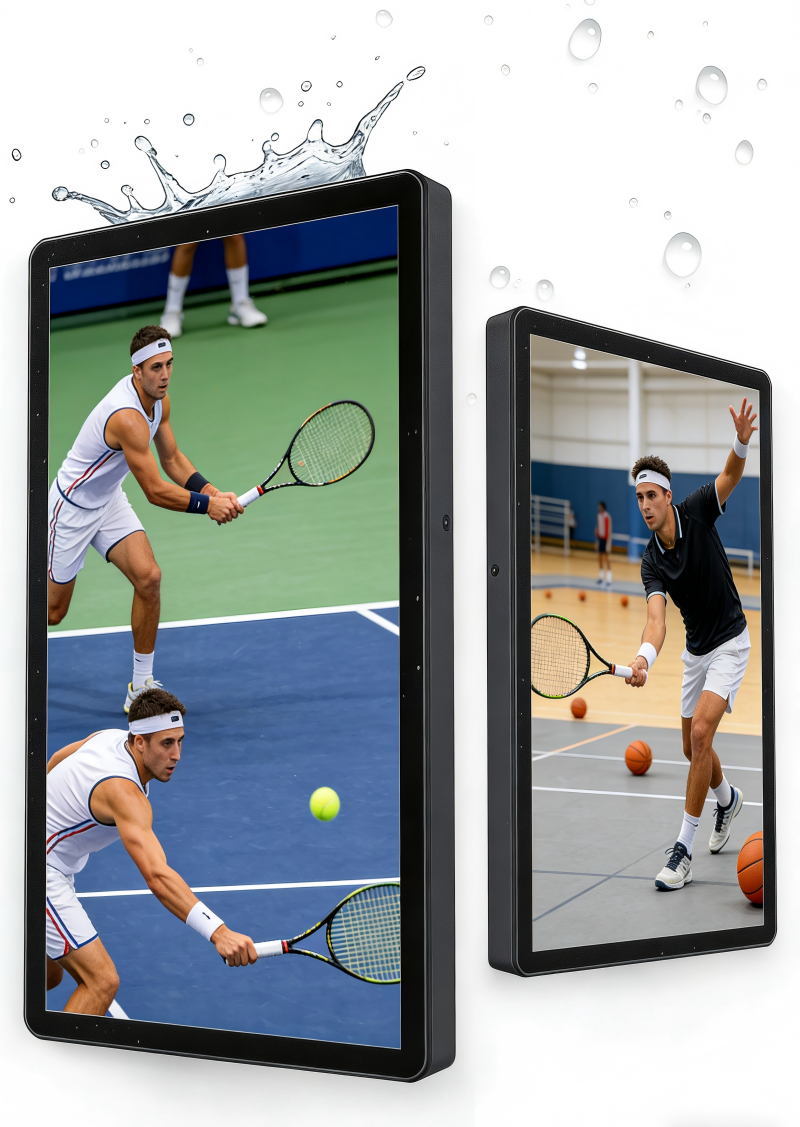
Comprehensive Content Management and Collaboration Features
The digital stand excels in content management and collaboration capabilities, providing organizations with powerful tools that streamline information sharing, enhance teamwork, and facilitate seamless communication across diverse user groups and geographical locations. The integrated content management system offers intuitive interfaces that enable users to organize, categorize, and access digital assets efficiently without requiring extensive technical training or specialized software knowledge. Drag-and-drop functionality simplifies content uploading, allowing users to transfer files directly from computers, mobile devices, or cloud storage platforms with immediate availability for presentations and displays. Advanced search capabilities help users locate specific content quickly through keyword searches, tag filtering, and metadata sorting, reducing time spent navigating large content libraries. Version control features maintain document integrity by tracking changes, preserving edit histories, and preventing conflicts when multiple users collaborate on shared materials. Real-time collaboration tools enable simultaneous editing, annotation, and commenting by multiple participants, whether they are physically present or joining remotely through network connections. Screen sharing capabilities allow seamless integration with laptops, tablets, and smartphones, enabling users to display content from personal devices without complex setup procedures or compatibility concerns. Interactive whiteboard functionality transforms the digital stand into a collaborative workspace where teams can brainstorm, sketch ideas, and develop concepts together using digital markers, shapes, and drawing tools. Meeting recording features capture presentations, discussions, and annotations for future reference, creating valuable documentation that can be shared with absent stakeholders or archived for compliance purposes. Calendar integration synchronizes with popular scheduling platforms, automatically displaying meeting agendas, participant lists, and relevant documents at scheduled times. User permission controls ensure security by restricting access to sensitive information based on roles, departments, or clearance levels while maintaining collaborative flexibility for appropriate content. Template libraries provide professionally designed layouts for various presentation types, enabling users to create polished materials quickly without graphic design expertise. Multi-language support accommodates diverse workforces and international clients through automatic translation features and localized interface options. Analytics dashboards provide insights into content usage patterns, user engagement metrics, and system performance statistics that inform strategic decisions about content strategy and resource allocation. Integration capabilities connect with popular business applications, customer relationship management systems, and enterprise software platforms, creating unified workflows that eliminate data silos and improve operational efficiency.

 EN
EN